 GETGOODAPP COLLECTION
PDFWay: iPhone Scanner, OCR & PDF Tools
Scan paper documents, turn photos into PDFs, and work with text and pages on your iPhone.
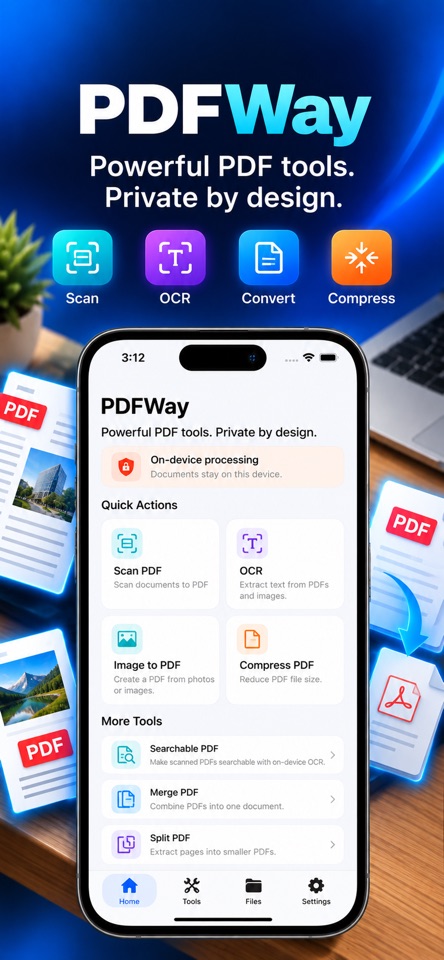
A closer look.
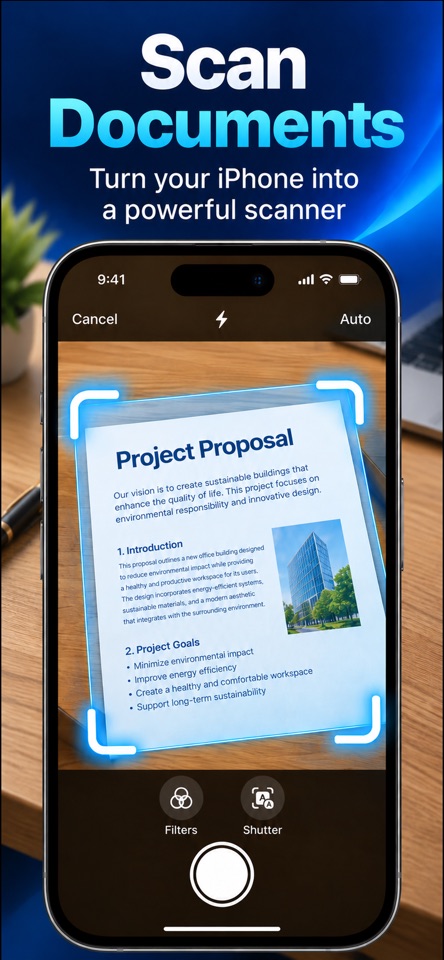
Scan paper documents, bring photos together in a PDF, and extract text with on-device OCR. PDFWay puts everyday document tools on your iPhone, from searchable PDFs to page organization.
Merge or split documents, rotate and remove pages, protect a PDF with a password, and export your finished files. Core document processing takes place on your device.
PDFWay is free to download with an optional one-time Lifetime Pro purchase. Some OCR, searchable PDF and compression features require Pro. Check the current app’s upgrade screen before purchasing.
Download & support
Screenshots
Core features
- Scan documents to PDF with Small, Balanced and High Quality options.
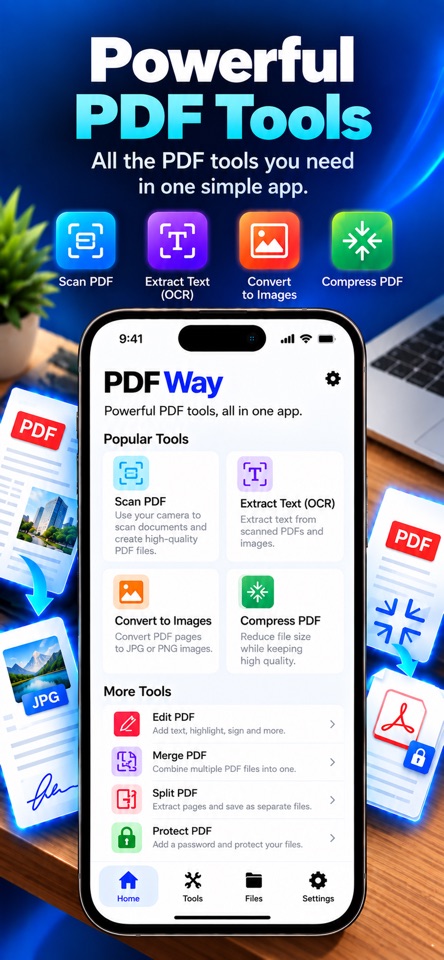
- Combine photos and images into a PDF.
- Recognize text with on-device OCR and create searchable PDFs; some features require Pro.
- Compress PDF files with multiple options; some features require Pro.
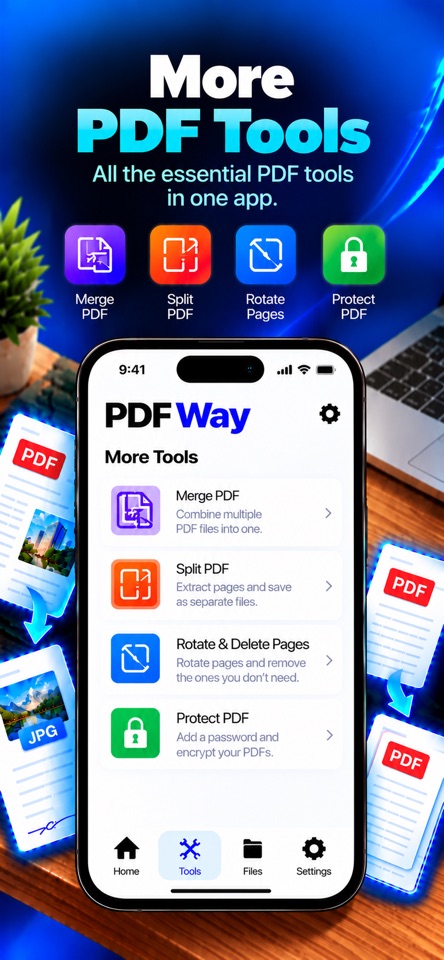
- Merge or split PDFs; rotate, delete or reverse pages.
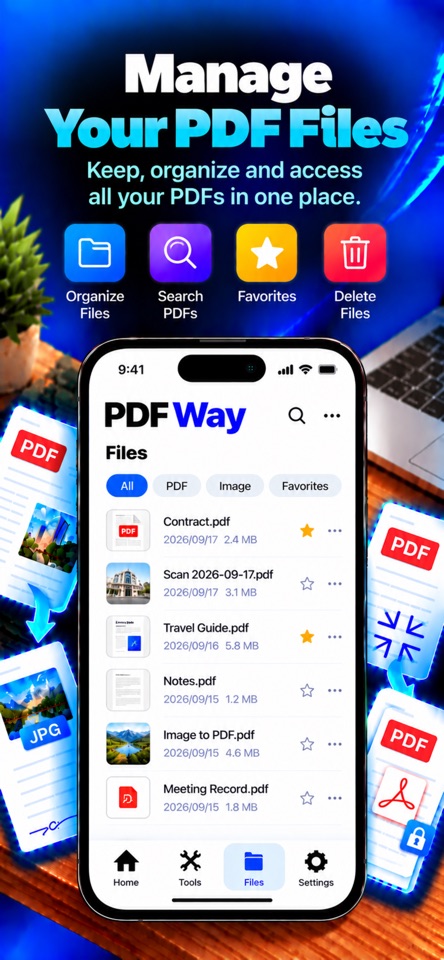
- Encrypt PDFs and access recently created files.
How it works
Open Merge PDF, add the PDFs you want to combine, check their order, and choose Merge PDFs. Preview the result and save a separate output file.
Platforms, downloads & licensing
iPhone
- Version
- 1.2
- Updated
- 2026-09-30
- System requirements
- iPhone with iOS 17.0 or later.
- Platform-specific features
- Document scanning, image-to-PDF conversion, on-device OCR and PDF page tools on iPhone.
- Price & license
- Free download. Optional PDFWay Pro Lifetime, a one-time in-app purchase. The current regional price and purchase terms are shown by Apple.
- Free tier limits
- Some OCR, searchable PDF and compression features require Pro. Exact page and usage limits of the released version have not been confirmed; check the current in-app upgrade information before purchasing.
Frequently asked questions
Is PDFWay a subscription?
PDFWay offers an optional one-time Lifetime Pro purchase. Check the current price and purchase terms in the App Store for your region.
Which features require Pro?
Some OCR, searchable PDF and compression features require Pro. Exact limits of the released version have not been confirmed; review the current in-app upgrade screen before buying.
How do I restore Pro?
Open Settings → Restore Purchases in PDFWay.
Where can I get help?
Open the product support link below, or contact jasoncharles2009@yahoo.com.