 GETGOODAPP COLLECTION
Text to Speech X: Text to Speech for Mac
Read pasted text or a text file aloud on Mac. Choose a voice, adjust the speaking rate and save spoken audio.
Available on the Mac App Store.
A closer look.
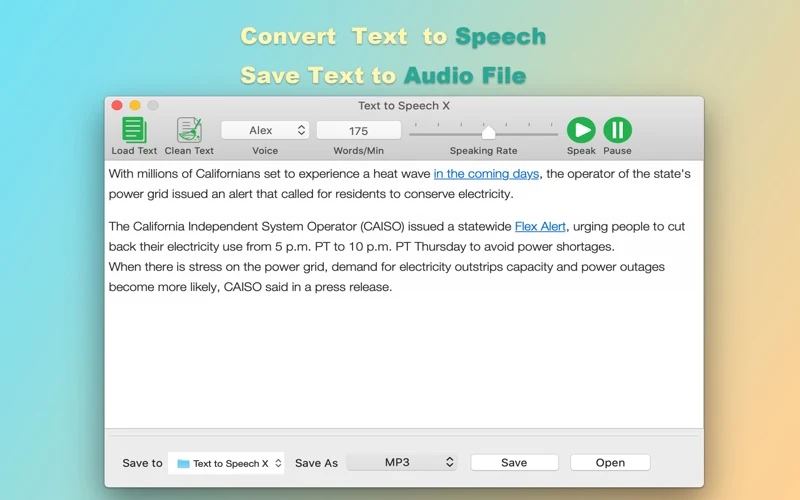
Text to Speech X is a Mac app for reading text aloud and creating spoken audio files. Paste text or load a text file, choose a voice and adjust the speaking rate. It can be useful for listening to written material or preparing an audio copy of text.
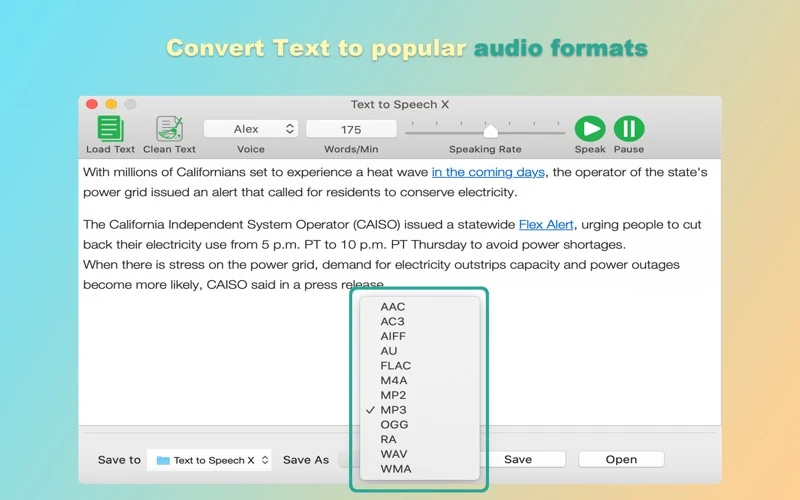
The official description lists AIFF, AAC, MP3, WAV, AC3, FLAC, OGG and WMA export. The screenshots show Save to, Save As and Save controls. These are documented capabilities and official promotional images, not a new audio-export or quality test.
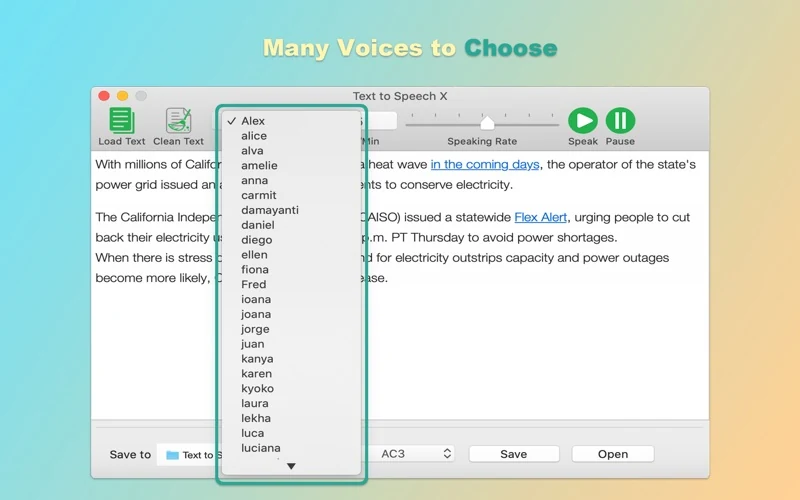
The Voice menu offers selectable voices, while the interface is listed as English. The verified material does not establish a complete current spoken-language catalog, voice availability on each Mac, network requirements or commercial audio rights.
Apple lists version 2.3, updated 13 February 2023, requiring macOS 10.9 or later. This is the store minimum, not a new compatibility test on the latest macOS or Apple Silicon.
Interface and speech languages
Interface: English, according to Apple. Speech: the official listing and Voice selector describe multiple voices, but a complete current list of spoken languages and available voices is not established here. Chinese website copy does not imply a Chinese app interface.
Download and related tools
Screenshots
Core features
- Copy and paste text, or load text from a text file, as described by the developer.
- Choose a voice using the Voice selector shown in official images.
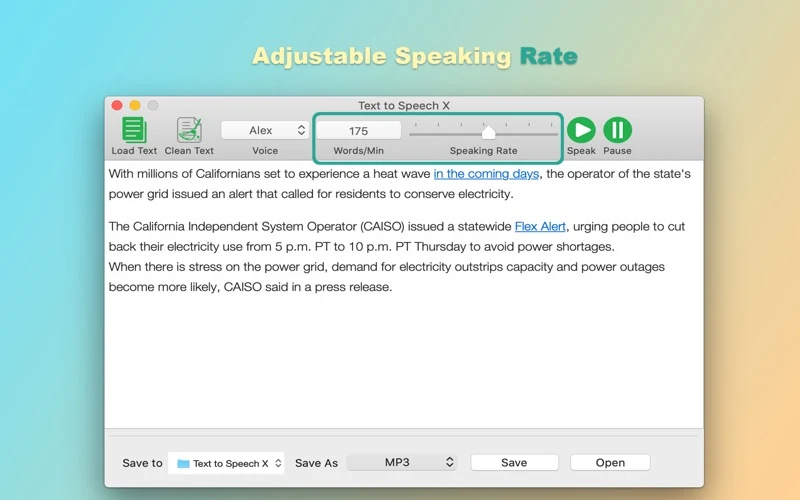
- Adjust speaking rate; the official UI shows Speaking Rate and Words/Min controls.
- Start, stop, pause and continue speech, as listed by the developer.
- Save spoken audio in the eight formats listed by the developer: AIFF, AAC, MP3, WAV, AC3, FLAC, OGG and WMA.
How it works
Official-description and screenshot workflow, not an app test: paste text into the editor or use Load Text; choose Voice and Speaking Rate; use Speak to listen and Pause when needed. To save audio, choose a destination with Save to, select an available Save As format, then use Save. Review the generated audio before sharing.
Platforms, downloads & licensing
Mac
- Version
- 2.3
- Updated
- 2023-02-13
- System requirements
- App Store minimum: macOS 10.9 or later. This task does not independently verify current macOS, Apple Silicon or Intel operation.
- Platform-specific features
- Official listing: paste/load text, choose a voice, adjust rate, pause/continue and export the listed audio formats.
- Price & license
- Paid Mac App Store download. Checked 19 October 2026: US$3.99 in the US; ¥28 in China. Apple sets current regional prices and purchase terms. No separate website installer or payment is offered.
- Free tier limits
- Trial, exact text-length limits, rate range, export presets and detailed licensing terms remain unconfirmed. No offline-only operation, PDF/OCR input, batch workflow, AI voice or voice cloning is promised.
Frequently asked questions
How can I enter text?
The official description supports copy and paste and loading text from a text file. It does not establish PDF/OCR import or a list of supported text-file encodings.
Can I change the voice and speaking rate?
Yes, those controls are documented and shown in official screenshots. The exact current voice catalog and rate range have not been independently tested.
Which audio export formats are listed?
AIFF, AAC, MP3, WAV, AC3, FLAC, OGG and WMA. The official UI shows Save As and Save; this page does not claim a new export, codec or audio-quality test.
Does an English interface mean English-only speech?
Interface language and speech language are different. Apple lists an English interface; the verified materials do not provide a complete current spoken-language list.
Does it work entirely offline?
The available official material does not establish an offline or network-requirement guarantee. Check the required voice and intended workflow before relying on offline use.
Does buying the app grant commercial audio or voice rights?
The verified listing does not establish those rights. App purchase details and rights for a particular voice or exported audio are separate questions; commercial use is not promised here.
Related guides & articles
Related articles will appear here when published.