 GETGOODAPP COLLECTION
RAR-Utility — Extract RAR, ZIP and 7z on Mac
Unpack everyday archives locally on your Mac. Add files, choose an output folder and follow a clear extraction queue.
Submitted for App Store review. Not yet available.
A closer look.
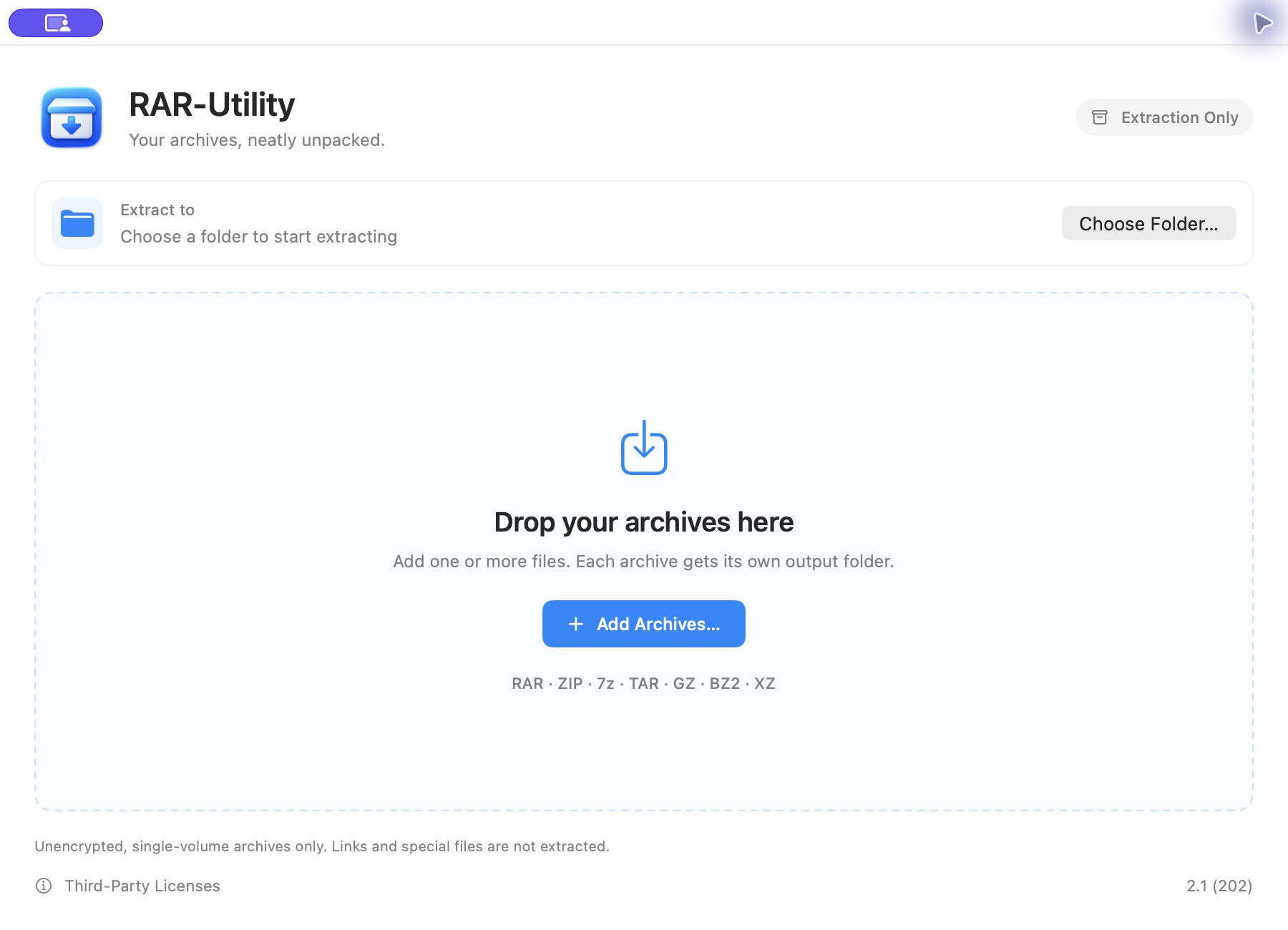
RAR-Utility 2.1 is an extraction-only macOS app for opening common archive files without uploading them to a remote extraction service.
It supports unencrypted, single-volume RAR4, RAR5, ZIP, 7z, TAR, GZ/TGZ, BZ2 and XZ files. Support is limited to the archive methods handled by this version; encrypted archives, split volumes, links and special file entries are not supported. It does not create archives or compress files into RAR.
Drop archives from Finder or use Add Archives, then choose an output folder. Extraction starts automatically when files and an output location are ready. Multiple tasks run one at a time, each with its own output folder. Existing output folders are kept, with a separate name used for a new result.
Check task status and progress, cancel work, and open completed results when you choose. If a task fails or is cancelled, preserved files may be incomplete; a recovery action appears only when recoverable files are present. Recovery is not a repair service or a guarantee that damaged files can be restored.
Read the RAR-Utility Privacy Policy or contact product support.
Screenshots
Core features
- RAR4 / RAR5, ZIP, 7z, TAR, GZ / TGZ, BZ2 and XZ extraction
- Local file processing with no archive-upload service
- Finder drag and drop and a system file picker
- Choose an output folder; queued tasks start automatically
- Serial batch queue with task status, progress and cancellation
- Chinese file names and nested folders
- Separate output folders without silently overwriting existing results
- Clear errors, original diagnostics and access to preserved results when available
How it works
1. Add one or more supported archives with Finder drag and drop or Add Archives.
2. Choose an output folder. If you added files first, follow the prompt to choose an extraction location.
3. Extraction starts automatically. Follow the queue or cancel a task.
4. After completion, click Open Output Folder to view the result. Finder does not open automatically for each task.
Version & requirements
Mac
- Submitted version
- 2.1 (202)
- Build requirements
- macOS app. Universal build with Apple Silicon (arm64) and Intel (x86_64) code; minimum build deployment target: macOS 11.0.
- Scope
- Extraction only; unencrypted, single-volume archives.
Frequently asked questions
Can RAR-Utility create RAR or ZIP archives?
No. Version 2.1 only extracts archives; it does not create or compress them.
Which archive files can I extract?
Unencrypted, single-volume RAR4, RAR5, ZIP, 7z, TAR, GZ/TGZ, BZ2 and XZ archives handled by this version. Not every compression method or archive variant is guaranteed.
Can I open encrypted or split archives?
No. Password-protected archives and multi-volume archives are not supported in this version.
Does extraction send my files to a server?
Extraction is local. Files in cloud or network folders may still be transferred by macOS or your storage provider under your settings.
Why are added files waiting?
Choose an output folder. Once files and an output location are ready, the serial queue starts automatically. There is no separate Start button.
What happens if extraction fails or I cancel it?
The original archive is kept. Temporary or preserved output may remain and can be incomplete. Open preserved results only when the app offers that action; review their contents before using them.
Can I download version 2.1 now?
Submitted for App Store review. Not yet available. This page does not provide a download or purchase link for the submitted version.