 GETGOODAPP COLLECTION
BGAway: Background Removal & Transparent PNG
Remove photo backgrounds on your iPhone. Keep a transparent PNG or choose a background for your cutout.
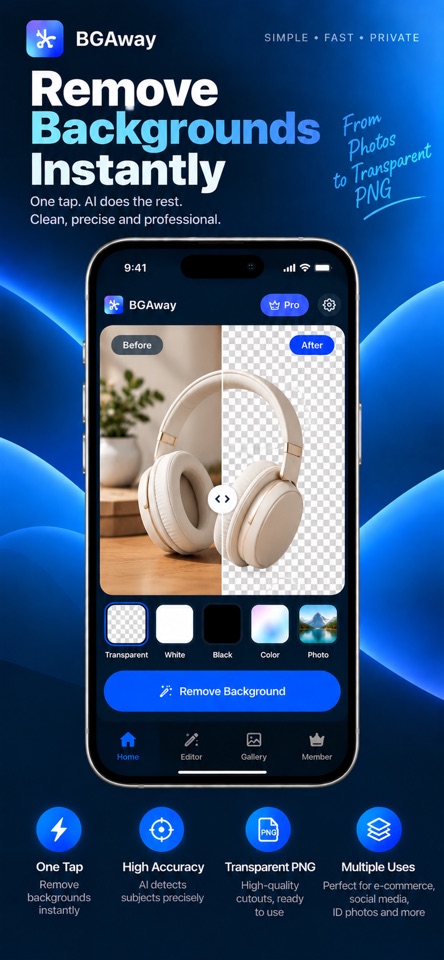
A closer look.
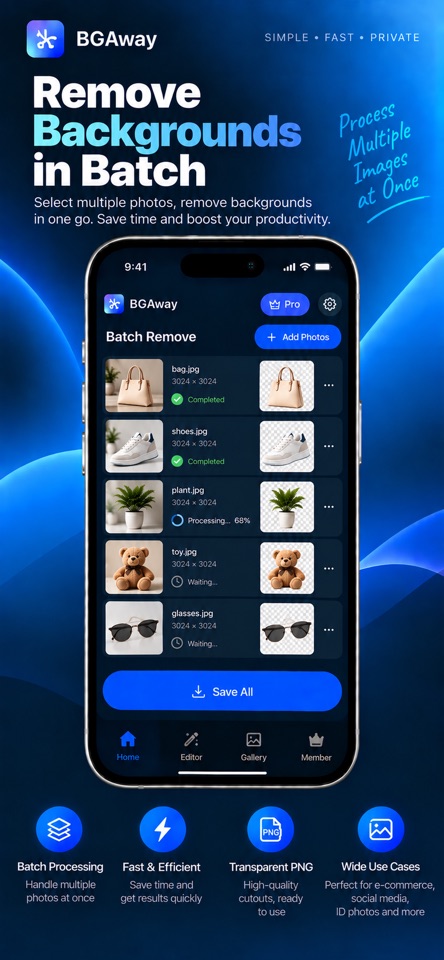
Separate a subject from its background and prepare a cutout for product listings, presentations or creative work. BGAway 2.0 supports individual images and batches, with transparent, white, black and studio-style background options.
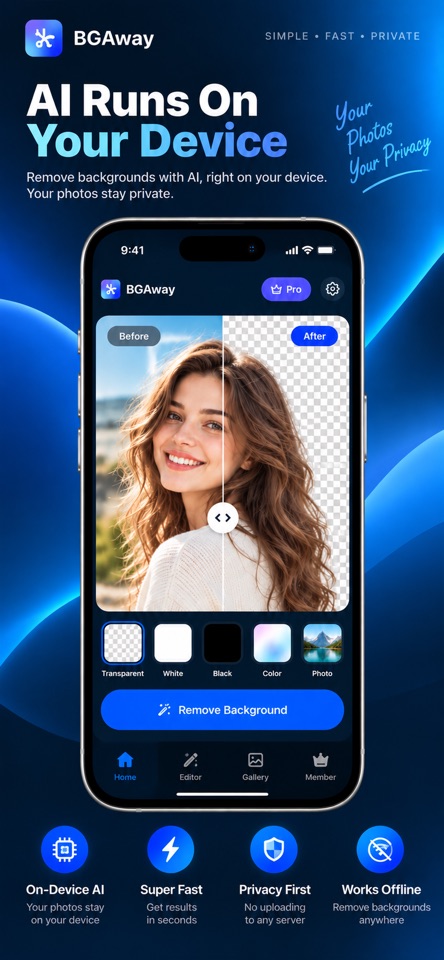
Background removal in version 2.0 uses on-device AI. Photos are not uploaded to a background-removal server for this task. App Store purchases and other online services can still use an internet connection; see the official privacy policy for details.
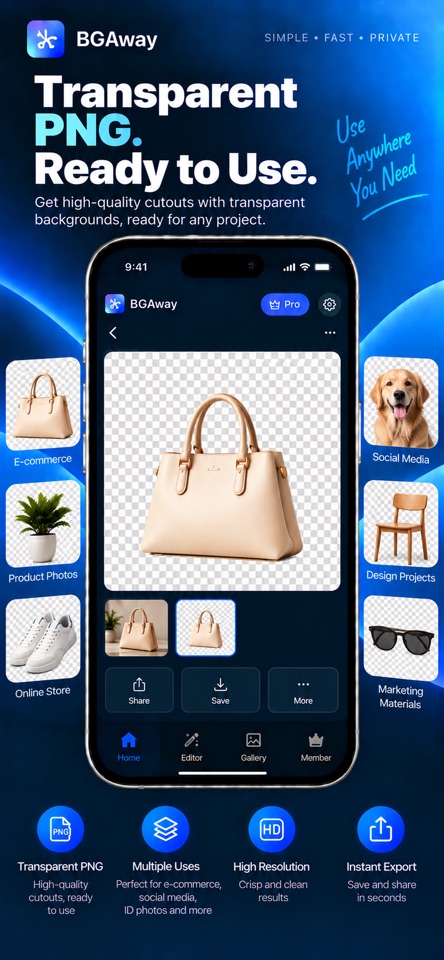
The official App Store example shows the original photo and the background-removed subject side by side. The checkerboard represents transparency in the preview. Export as PNG when you want to preserve a transparent background.
Download, support & privacy
View on App Store · BGAway support · Privacy policy · Release notes
Screenshots
Core features
- Remove the background from an individual photo or a batch.
- Keep a transparent background and export PNG.
- Choose transparent, white, black or studio-style backgrounds.
- Version 2.0 performs background removal on your device.
- Free: up to 20 successful removals per day, export up to 1200px, with a BGAway watermark.
- Pro: the listing offers unlimited removals and batch processing, full-resolution output and no BGAway watermark.
How it works
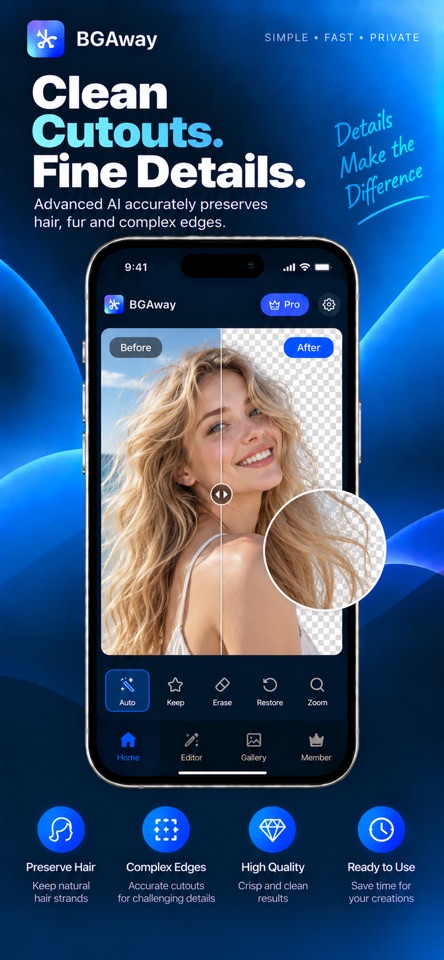
Choose a photo, select Remove Background, and review the subject against the transparency preview. Keep the transparent background and use the app’s save or share workflow to export PNG. The official comparison images illustrate this workflow; results depend on the input photo.
Platforms, downloads & licensing
iPhone
- Version
- 2.0
- Updated
- 2026-09-24
- System requirements
- iPhone with iOS 17.0 or later. The Apple listing additionally includes Mac compatibility from macOS 11.0; a separate native Mac edition and native iPad optimization are not confirmed here.
- Platform-specific features
- On-device background removal, single and batch workflows, background presets and transparent PNG as described for the current iPhone listing.
- Price & license
- Free download with optional Pro in-app purchases. The App Store lists Lifetime Pro, monthly and yearly items. Current availability, regional prices and any renewal terms must be confirmed in the app and Apple’s purchase sheet.
- Free tier limits
- Up to 20 successful background removals per day. Single and batch removal are included. Export up to 1200px with a BGAway watermark. Pro offers unlimited removal/batches, full-resolution output and no BGAway watermark according to the current listing.
Frequently asked questions
Are my photos sent to a cloud service?
The published 2.0 description and current privacy policy say background removal runs locally on your device without uploading the photo for that processing. Purchases and related online services may still communicate online.
What does the free version include?
Up to 20 successful background removals per day, single and batch processing, export up to 1200px, and a BGAway watermark.
What does Pro unlock?
The current listing describes unlimited removals and batch processing, full-resolution output and no BGAway watermark. Check the current purchase screen for plans and terms.
Is Pro a subscription or a lifetime purchase?
The App Store lists Lifetime Pro as well as monthly and yearly purchase items. Confirm which plans are offered, their prices and renewal terms in the current app and Apple purchase sheet.
Which devices are covered here?
This page describes the iPhone 2.0 listing, requiring iOS 17 or later. Apple also lists Mac compatibility starting at macOS 11; check device availability in the App Store. Separate native Mac features and iPad optimization have not been confirmed.